What is a “Preferred Name”?
A preferred name is any name that can be created and assigned to a material to search the database. It is strictly a user or domain-dependent name assigned to a material.
Steps to Create a Preferred Name for a Material
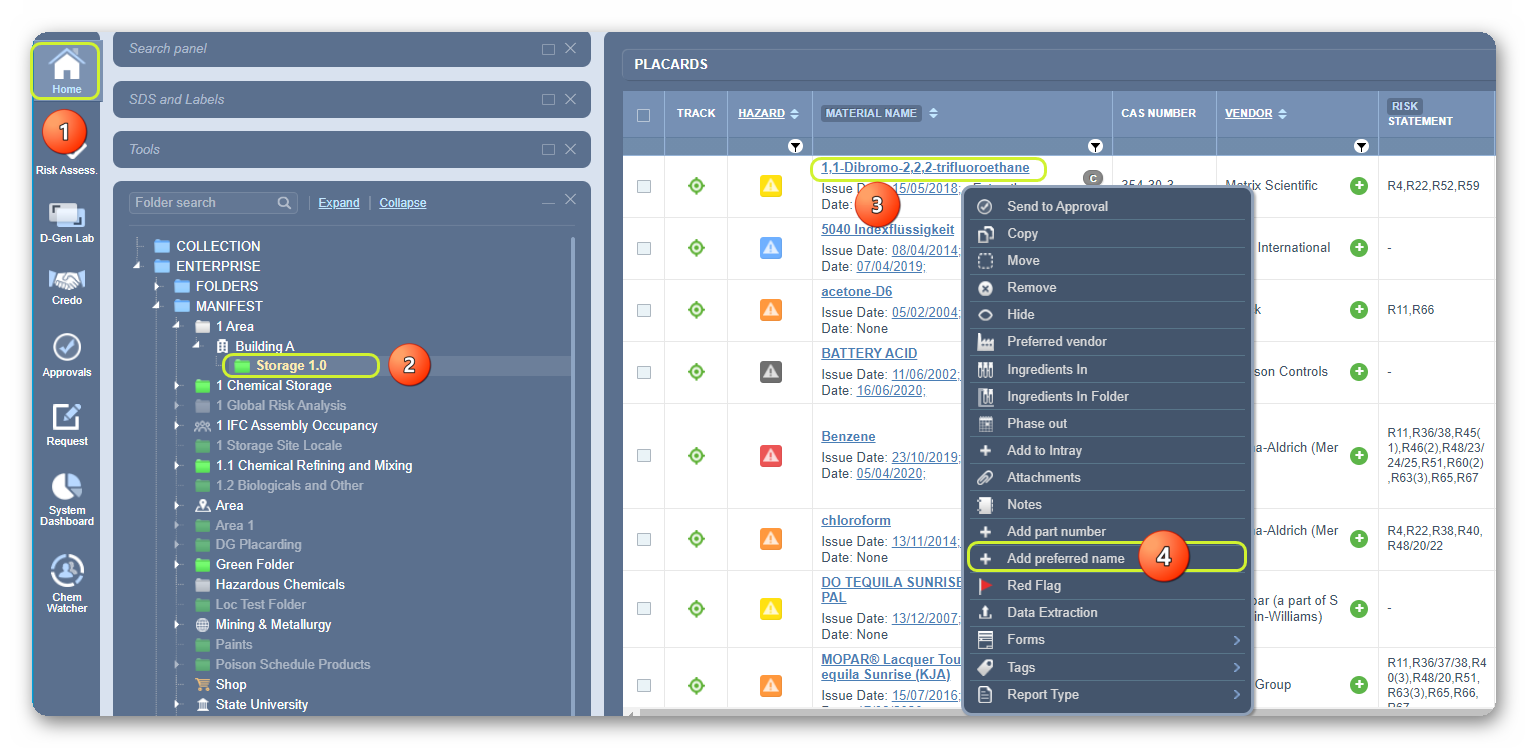
- Select the Home module button
 .
. - Select the Folder name that contains materials.
- Mouse right-click on the cat name from the list.
- Select the Add Preferred Name option from the menu.
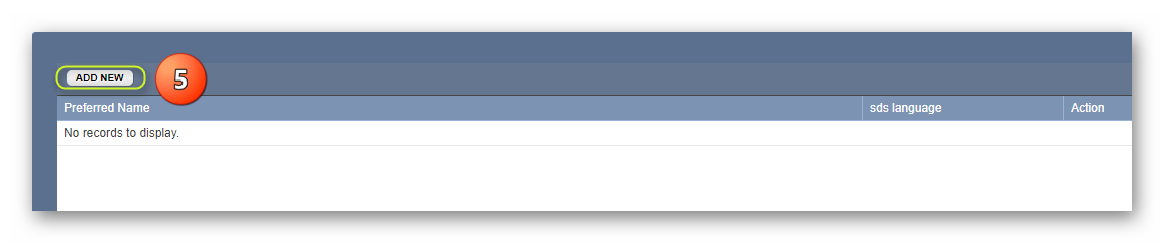
5. Click on the Add New button.
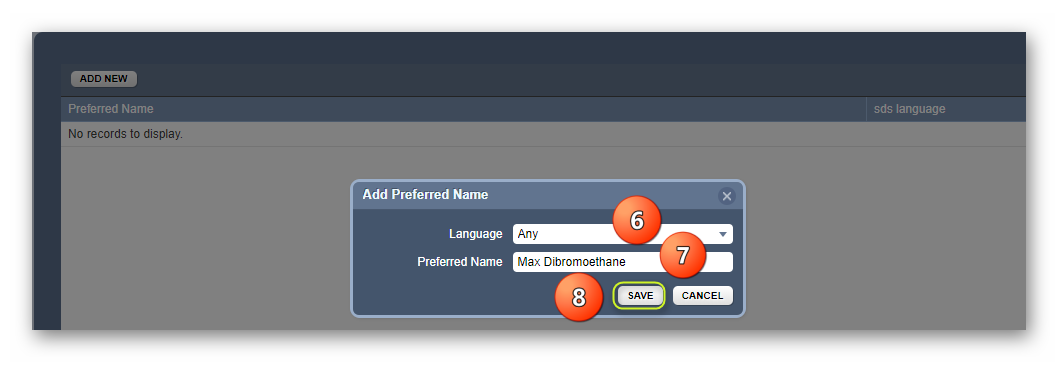
6. Select the drop-down arrow to set the applicable language (if required) or retain it to “Any”. Note that Any will apply to any available language.
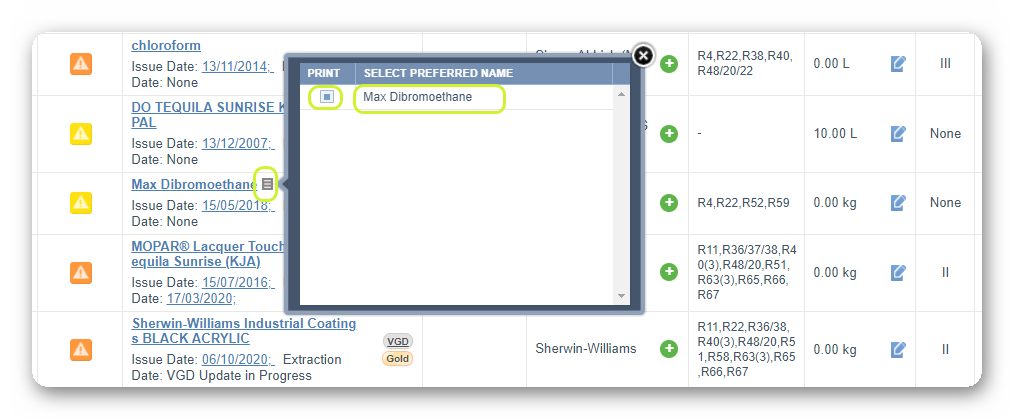
7. Type the Preferred Name in the preferred name text field, e.g., Max Dibromoethane.
8. Click the Save button.
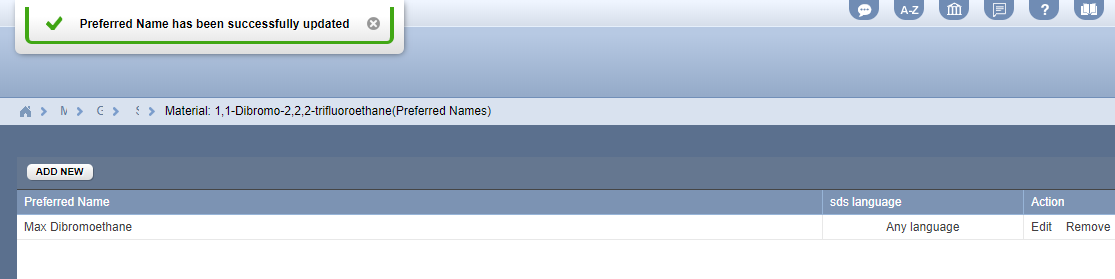
The preferred name is now assigned to the material. A message will be displayed to confirm the successful action undertaken.
9. Select the Folder name to view the list of materials to confirm the addition of the preferred name in the list.

10. Select the preferred name icon alongside the preferred name on the grid to print SDS by checking the box and clicking on the preferred name.
Was this article helpful?
That’s Great!
Thank you for your feedback
Sorry! We couldn't be helpful
Thank you for your feedback
Feedback sent
We appreciate your effort and will try to fix the article